Integrating PayPal for Seamless Payment Processing
Besides Stripe, SoulAdvisor also facilitates automated payment processing through PayPal, offering a secure and efficient method for receiving customer payments. This integration is particularly beneficial when utilising the instant booking feature for your services, ensuring prompt receipt of funds upon booking confirmation.
To enable PayPal payments for your services:
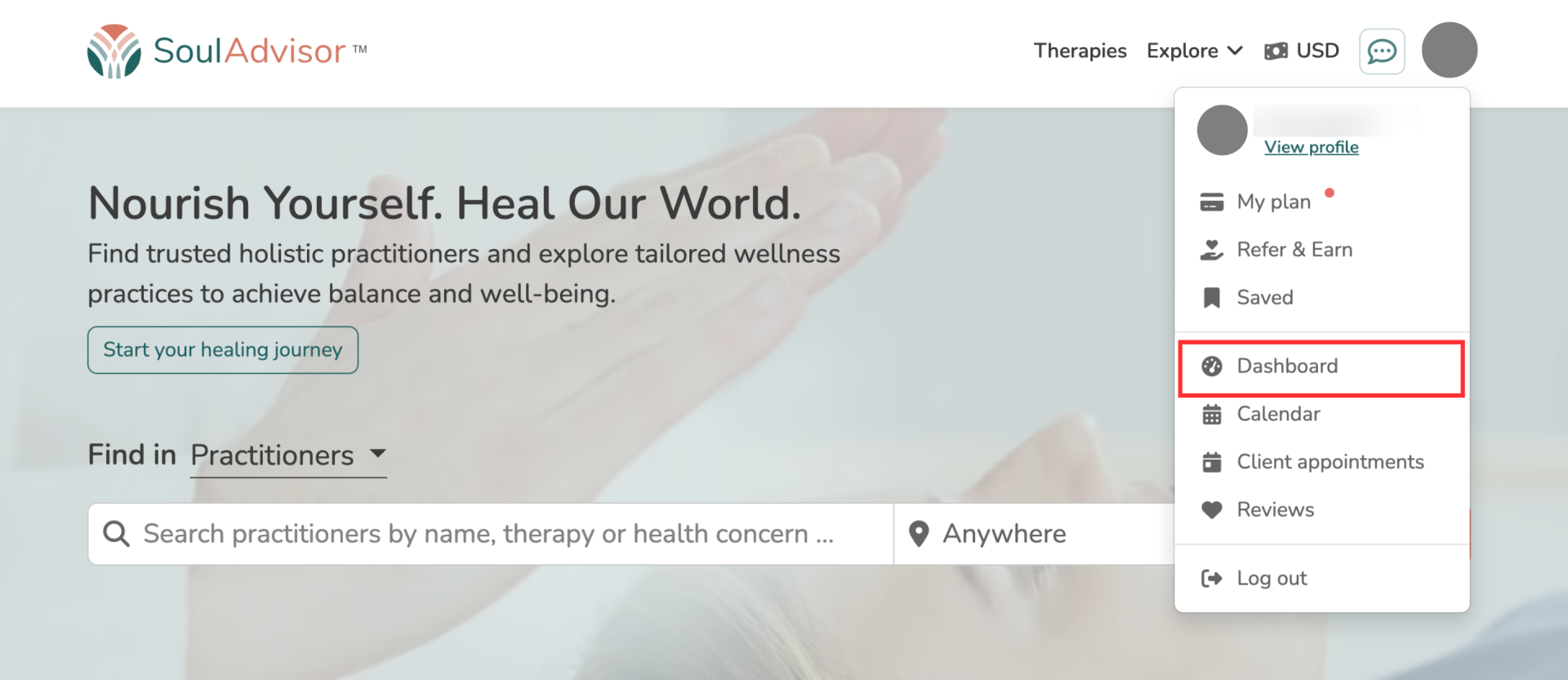
1. Navigate to your dashboard.
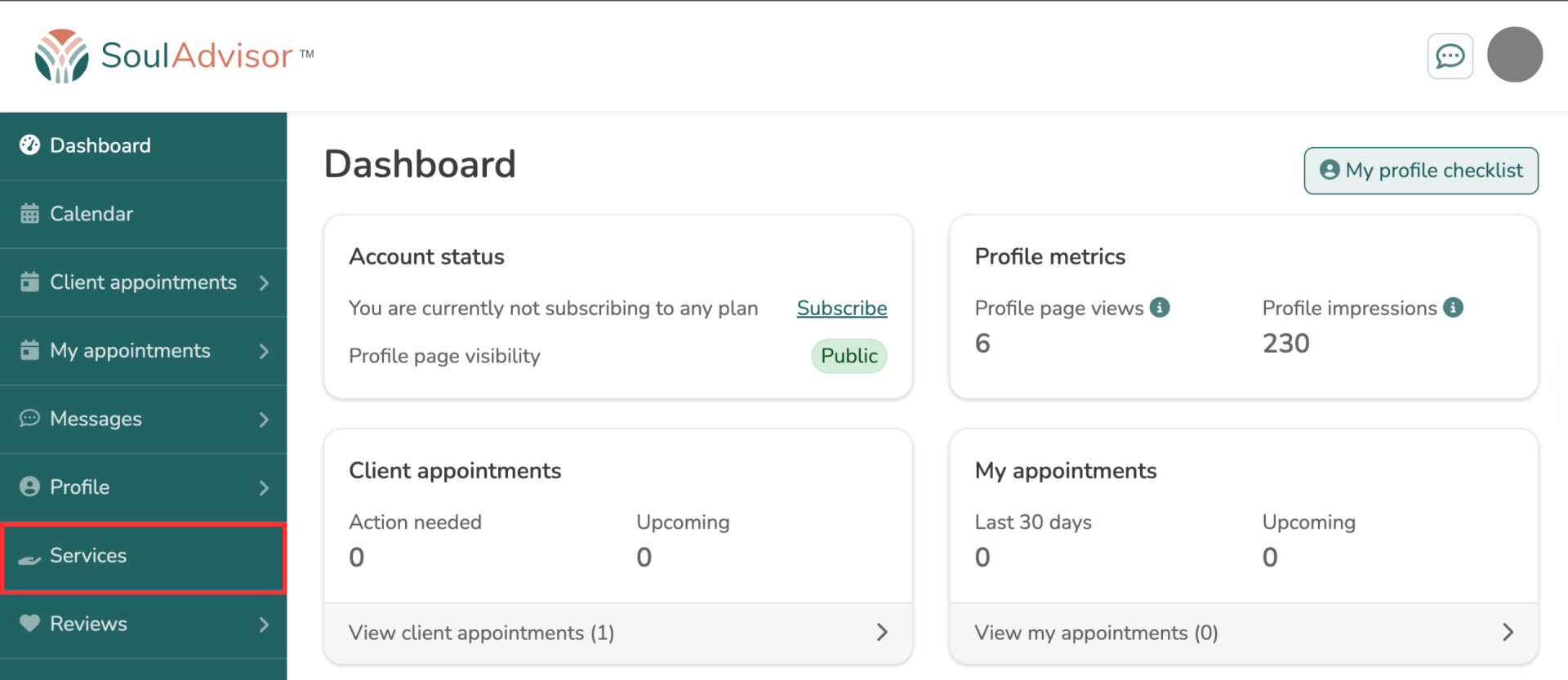
2. From your dashboard, go to the Services section.
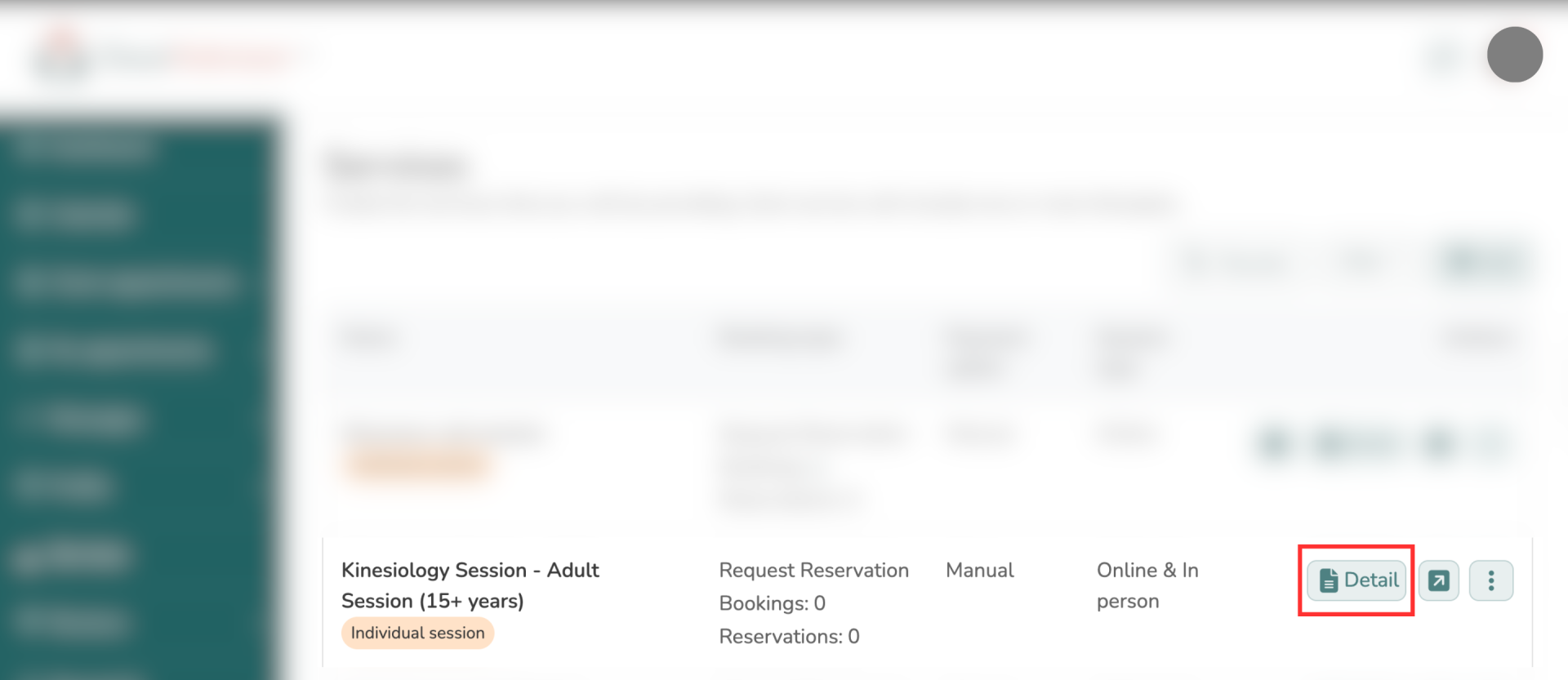
3. Select the specific service(s) you want to offer PayPal payments for by clicking Detail.
4. In the service's settings, find Booking settings and click Edit.
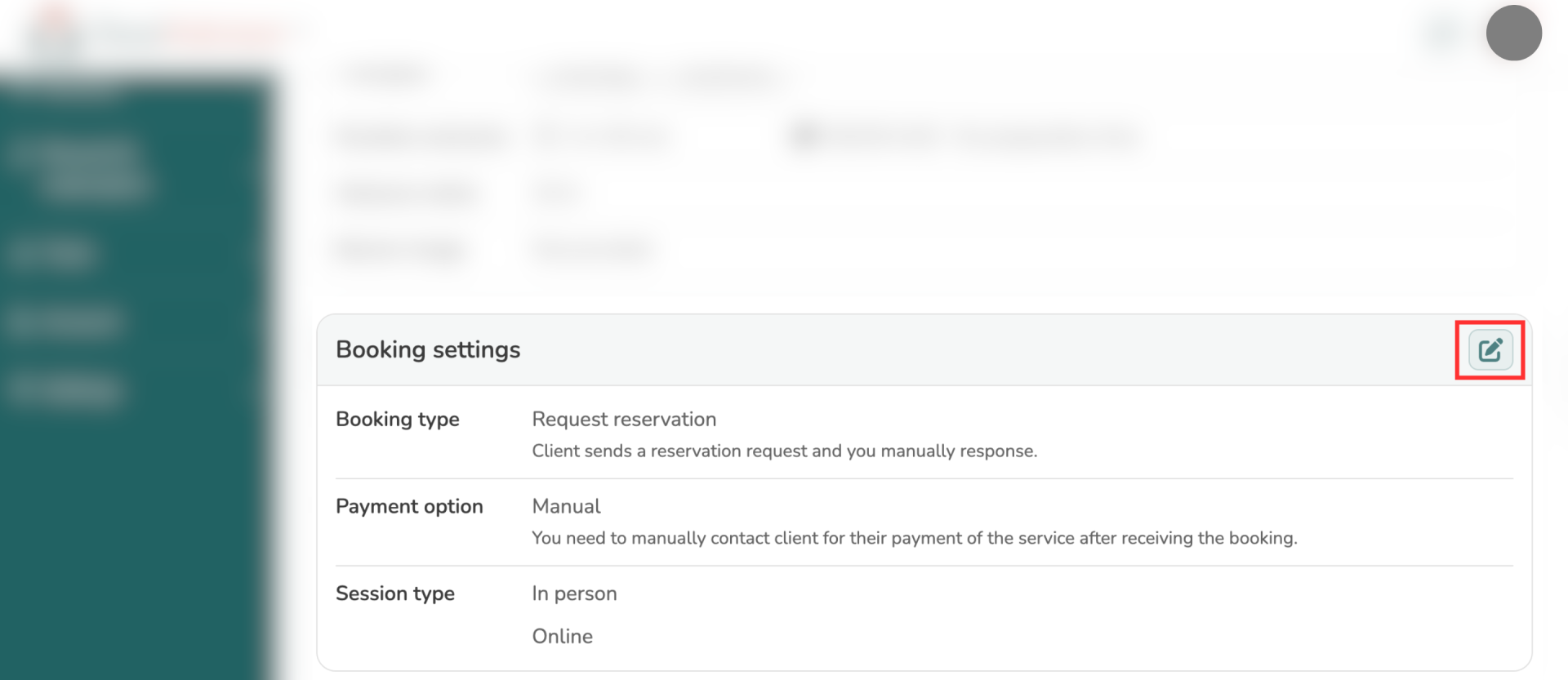
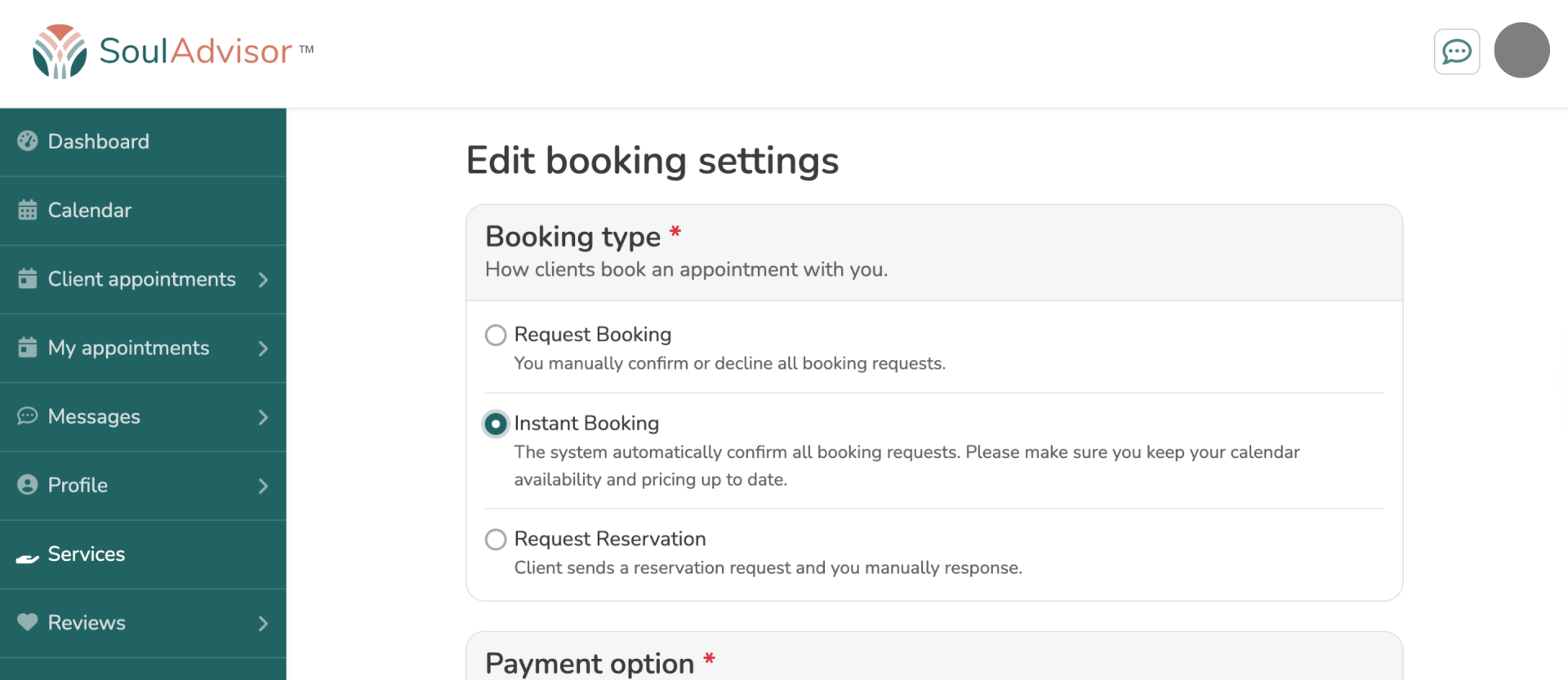
5. Change the Booking type to Instant booking. To learn more about the differences of each booking type, click here.
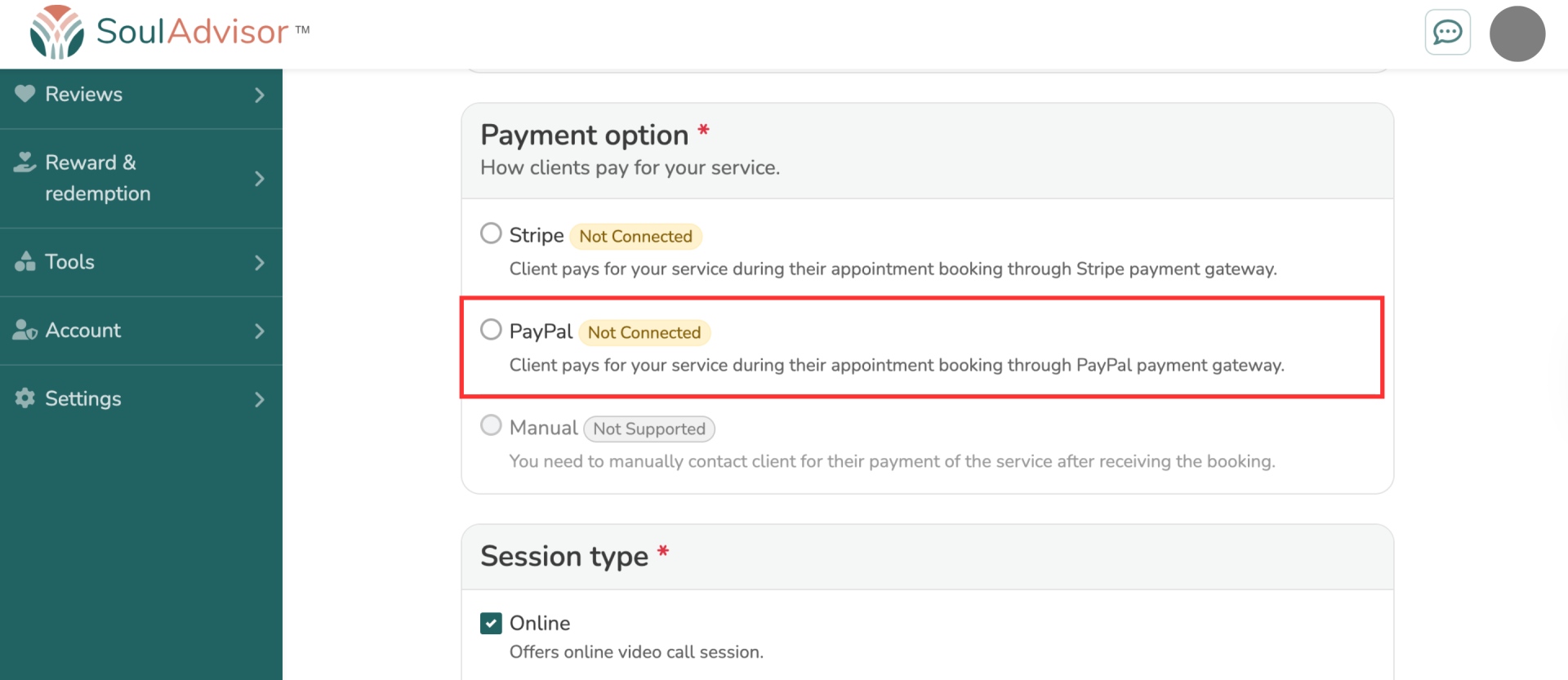
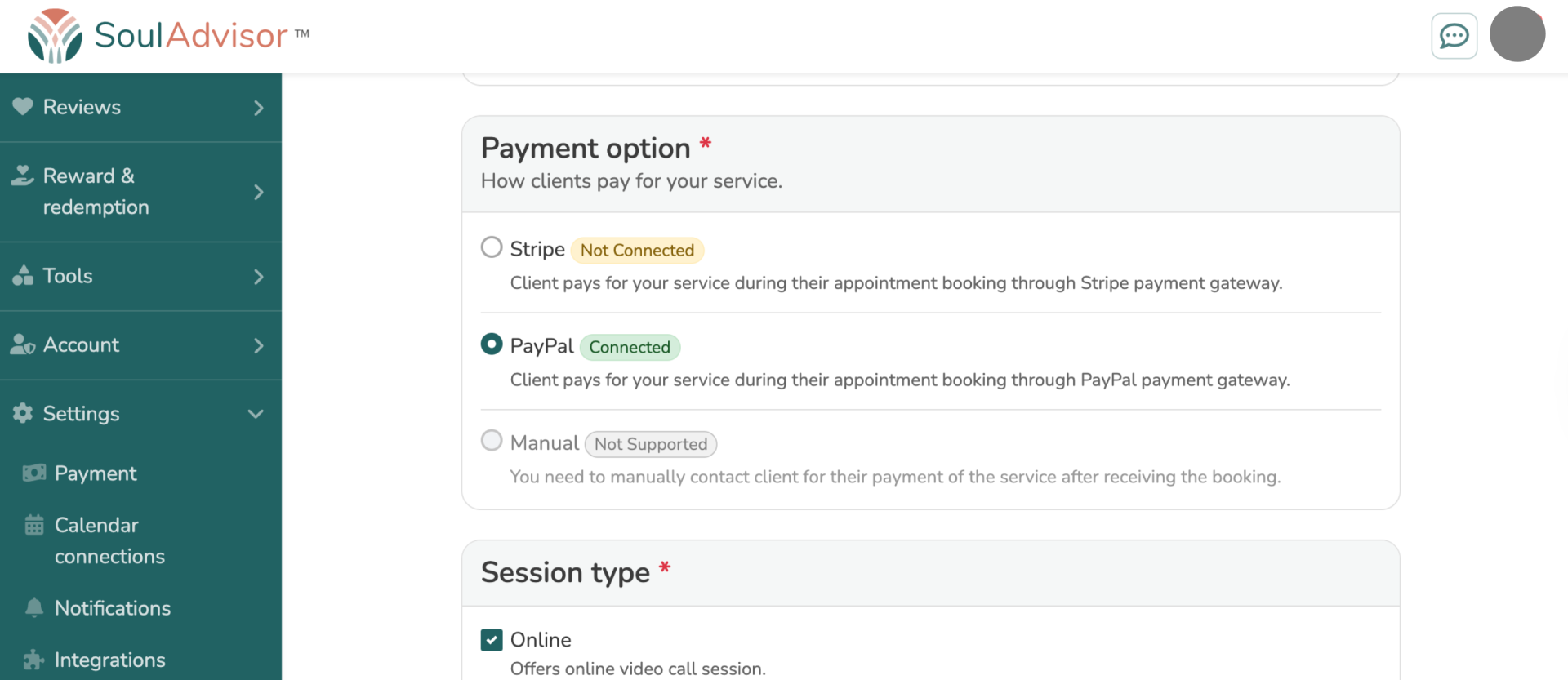
6. Under payment options, select PayPal.
7. If your PayPal account isn't connected yet, click Connect and follow the on-screen instructions to securely link it to SoulAdvisor.
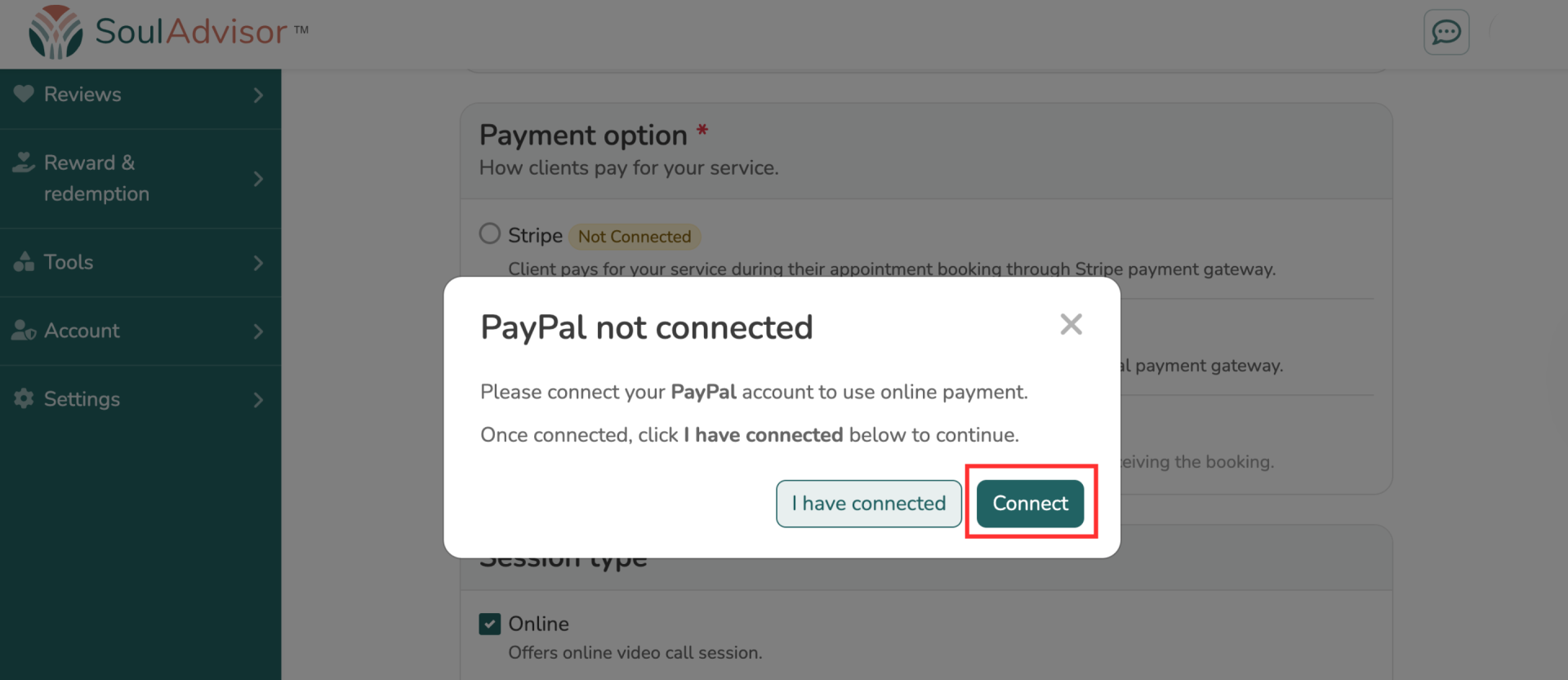
8. Once connected, click I have connected to proceed.
9. Click Save to apply your changes.
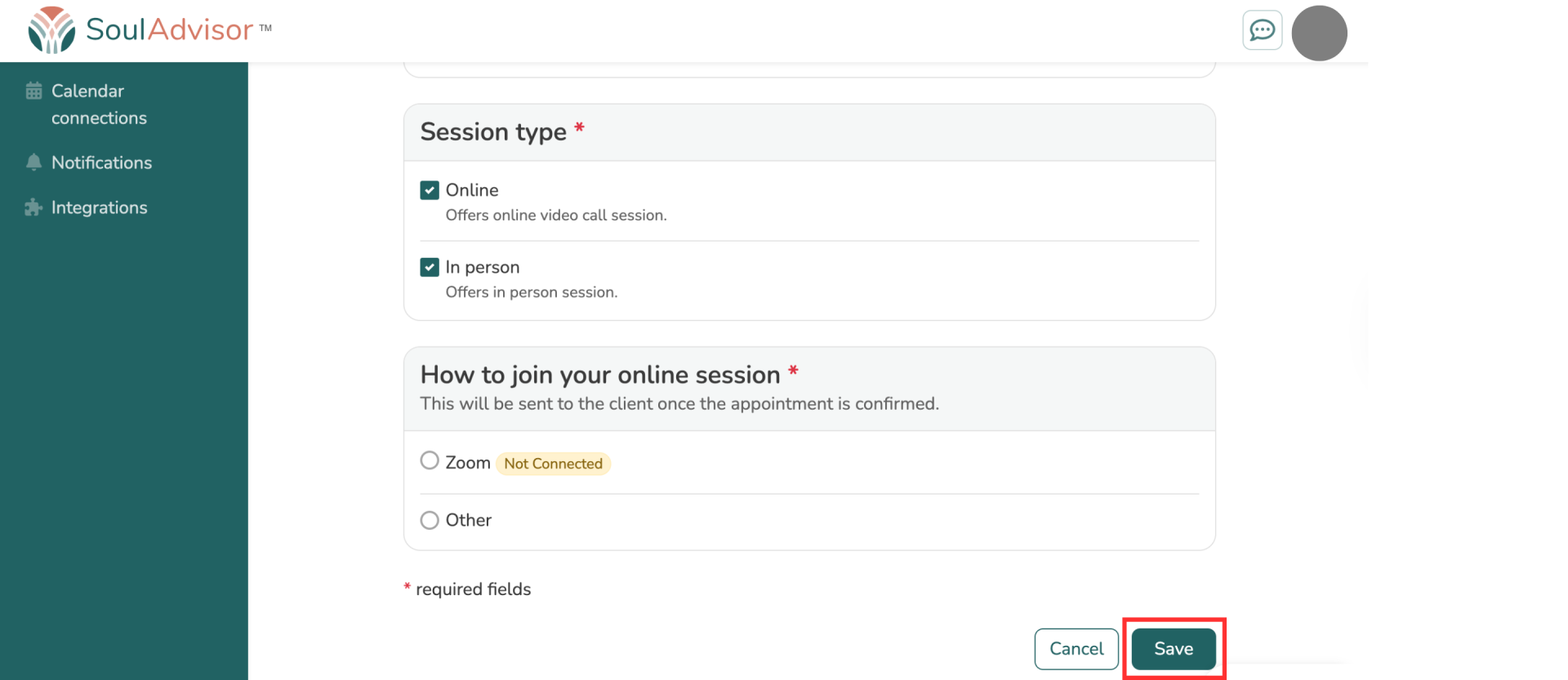
After these steps, clients booking your services will see PayPal as a payment option and can pay directly through their PayPal accounts.
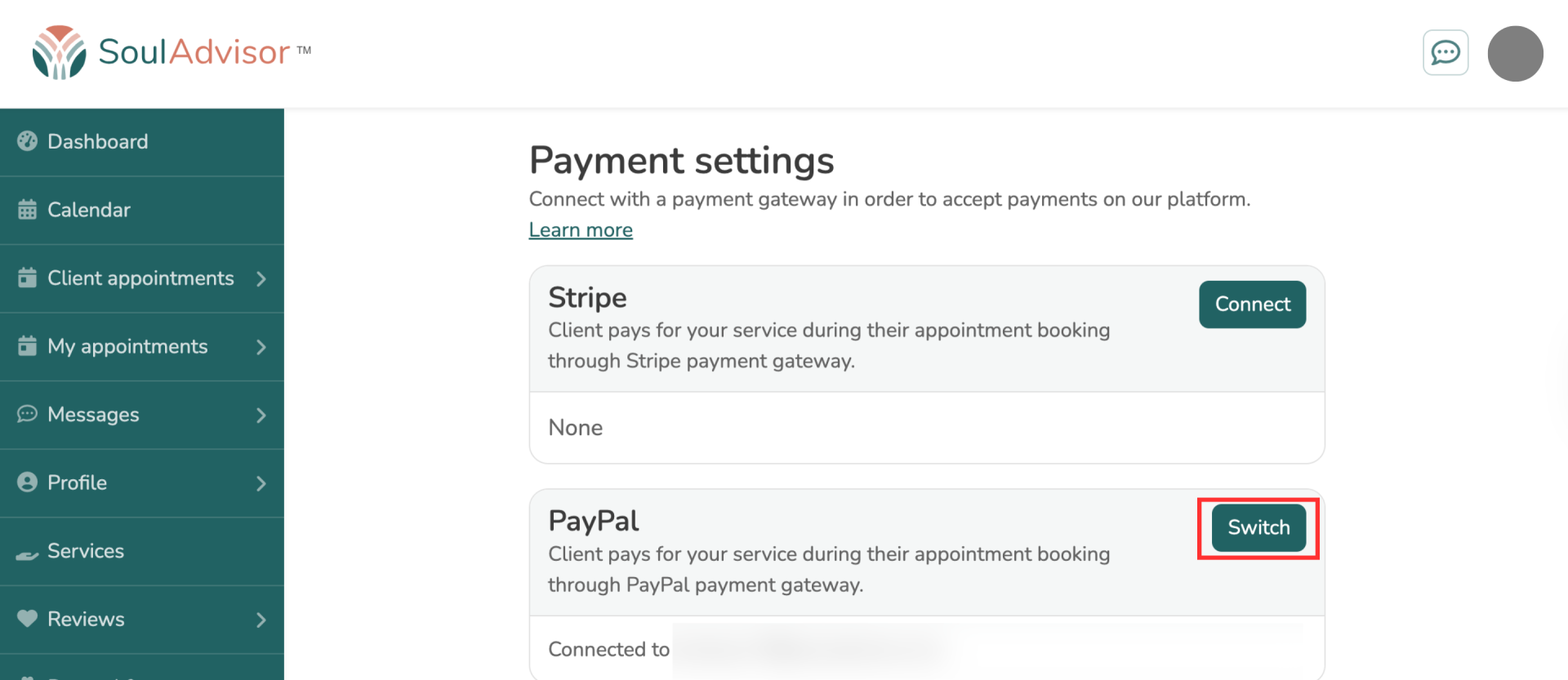
To switch your connected PayPal account:
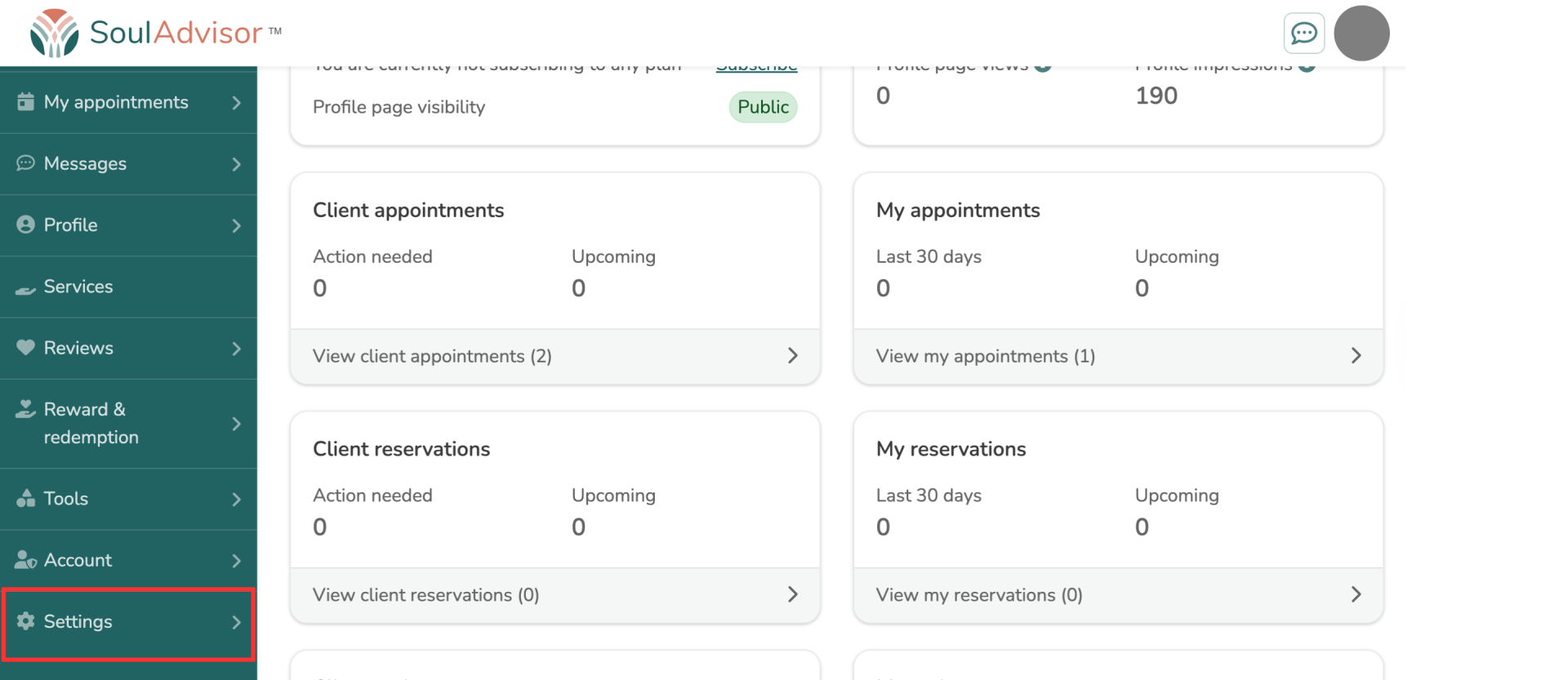
1. Navigate to your dashboard and scroll down to the Settings section.
2. Select the Payment option.
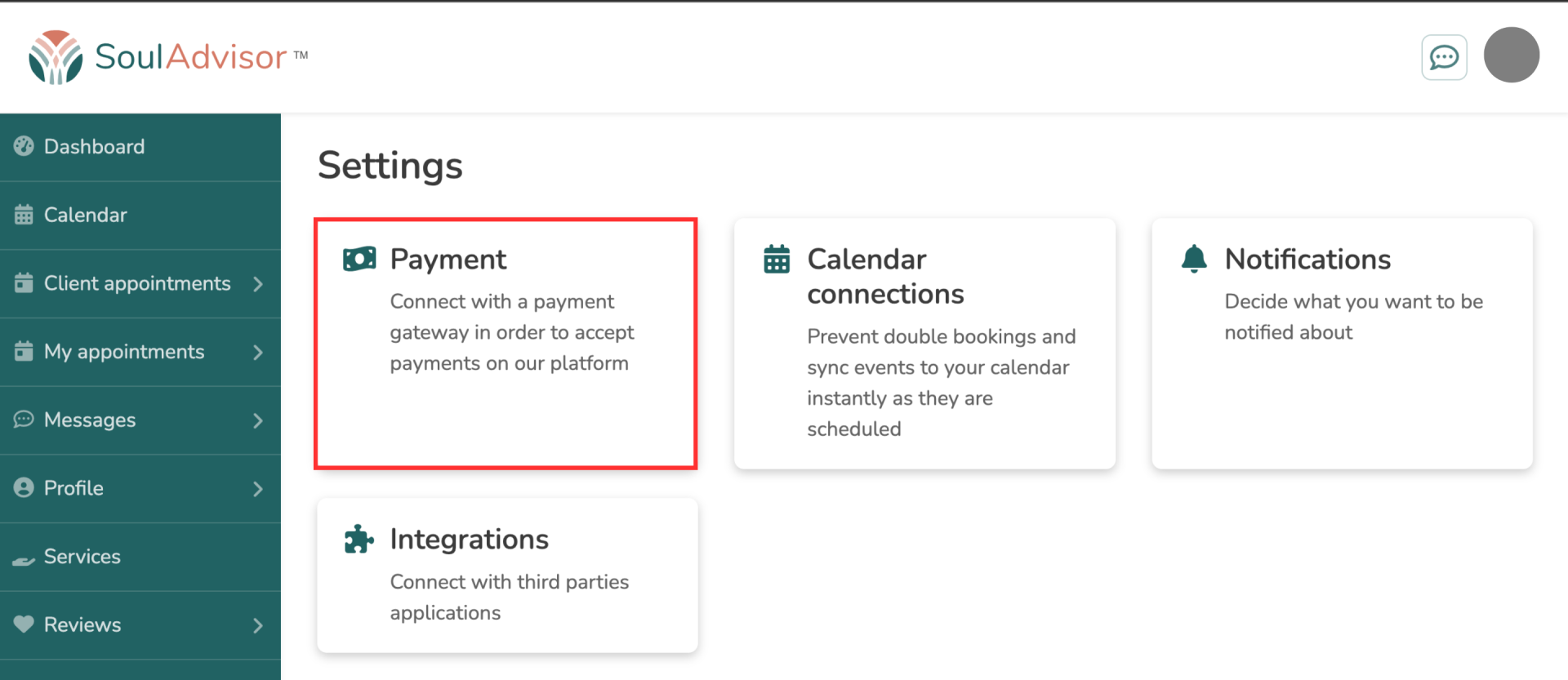
3. In the PayPal integration section, click Switch.