How Do I Add My Services
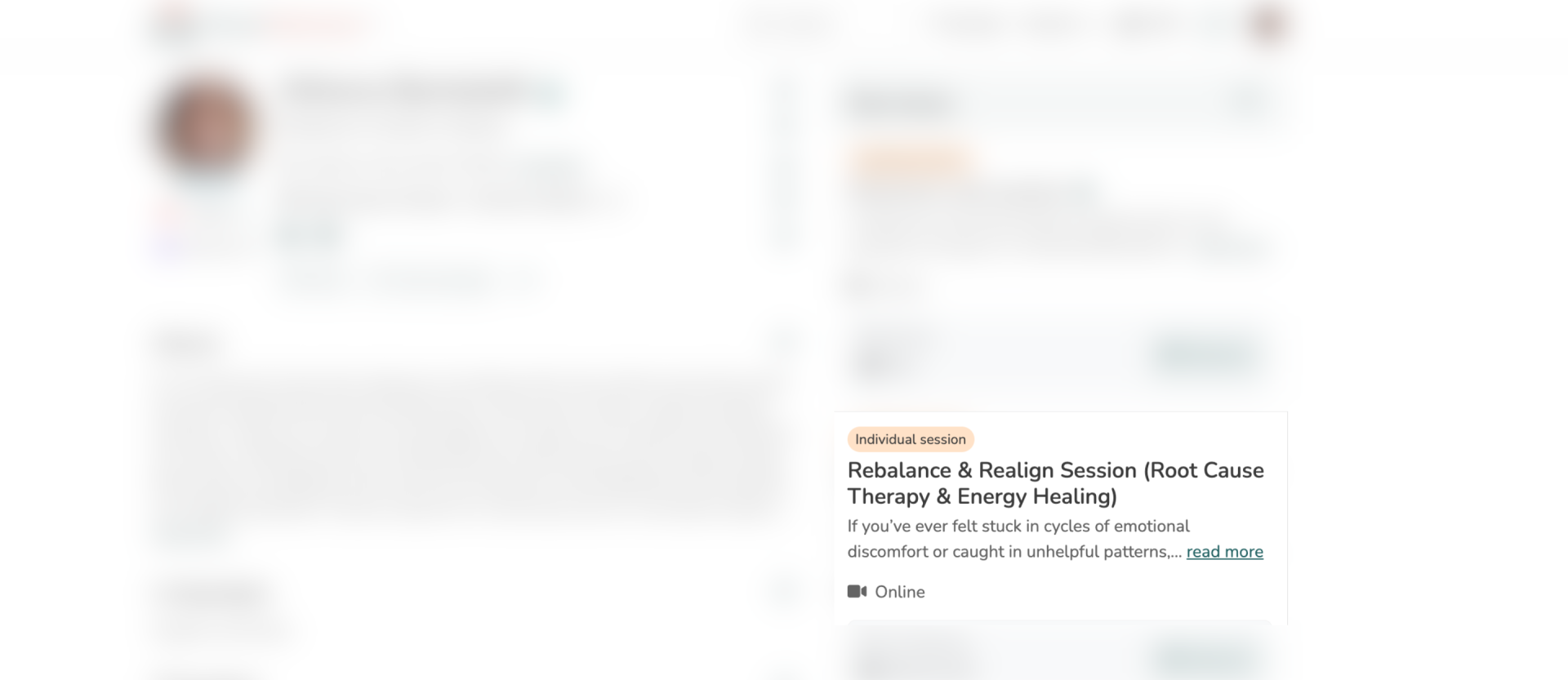
Adding your services is a crucial step in showcasing your offerings and making it easy for clients to book or make reservations. By providing detailed information about your services, you can enhance your profile and attract more customers.
Follow these simple steps to add your services:
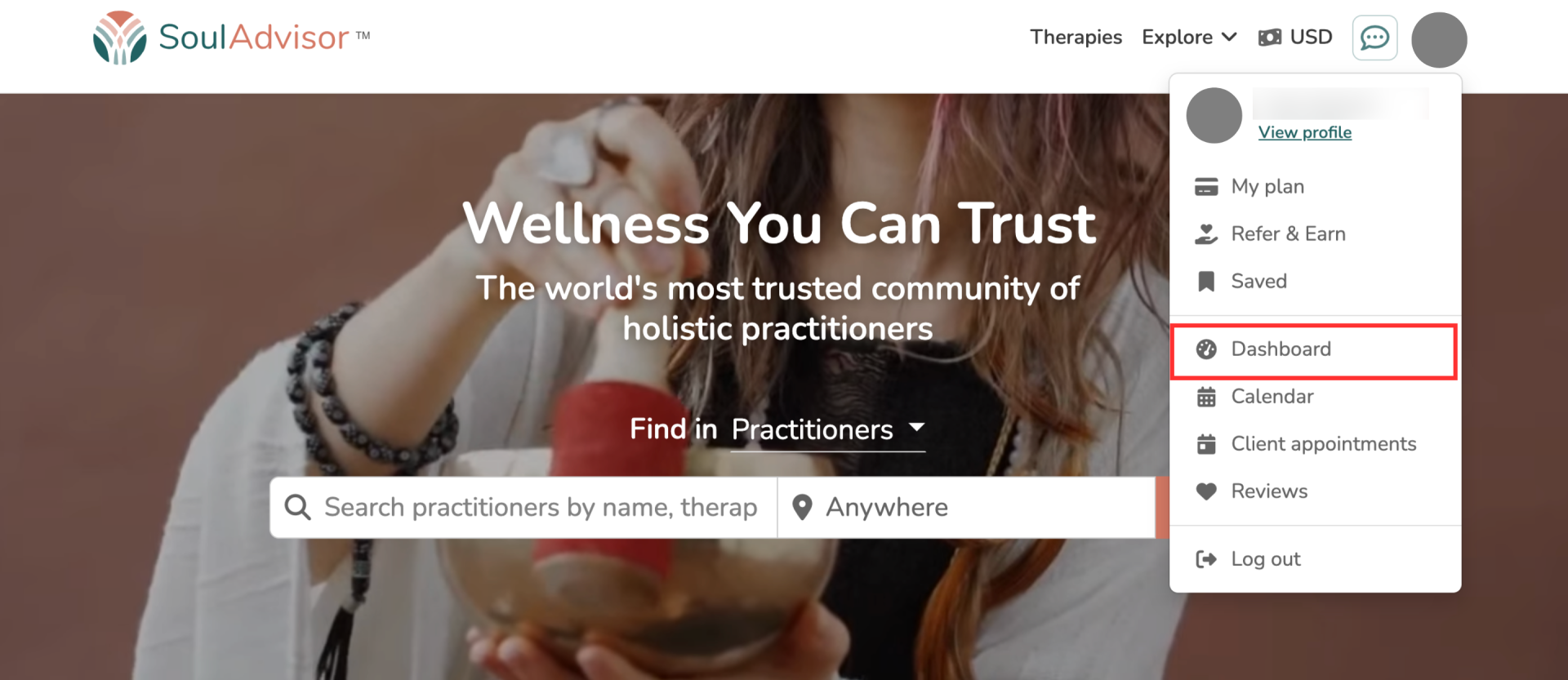
1. Access Your Dashboard: Log in to your account and navigate to your personal dashboard.
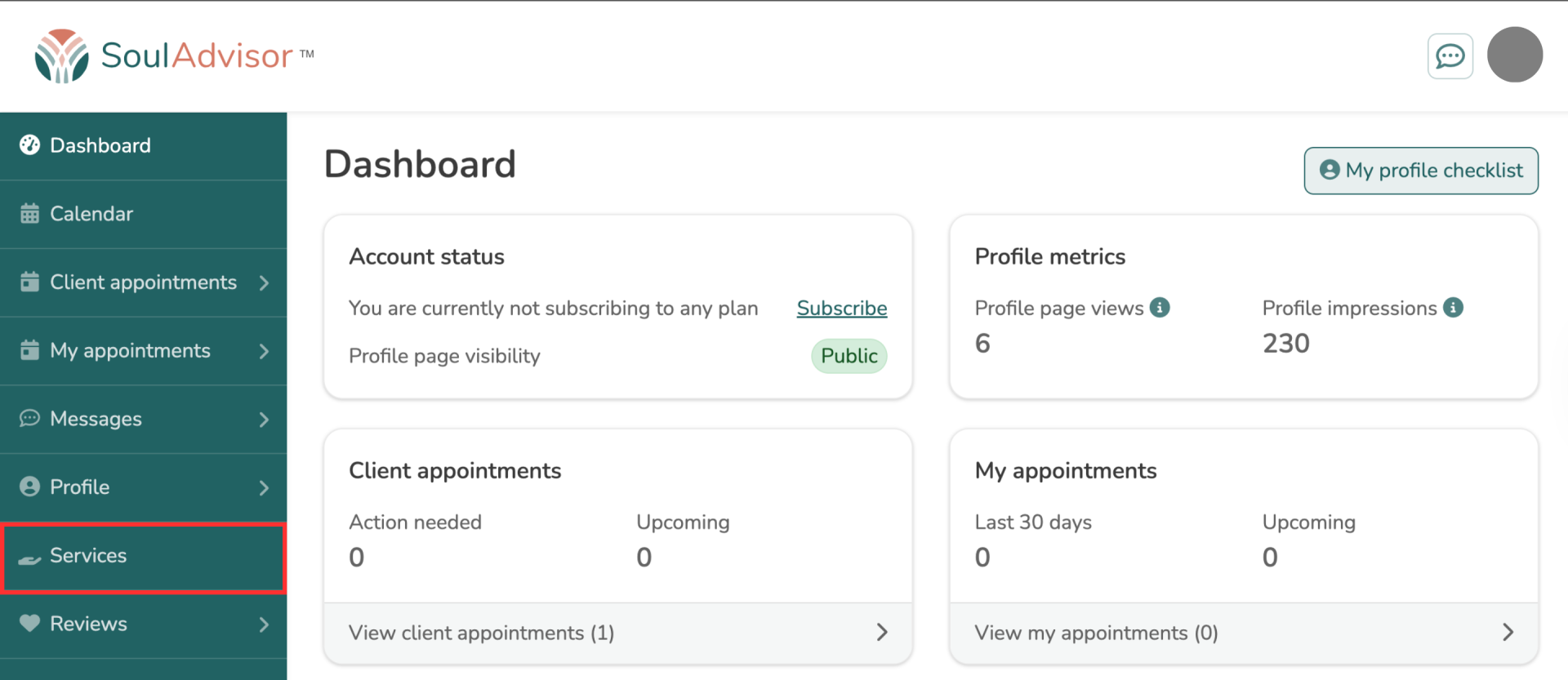
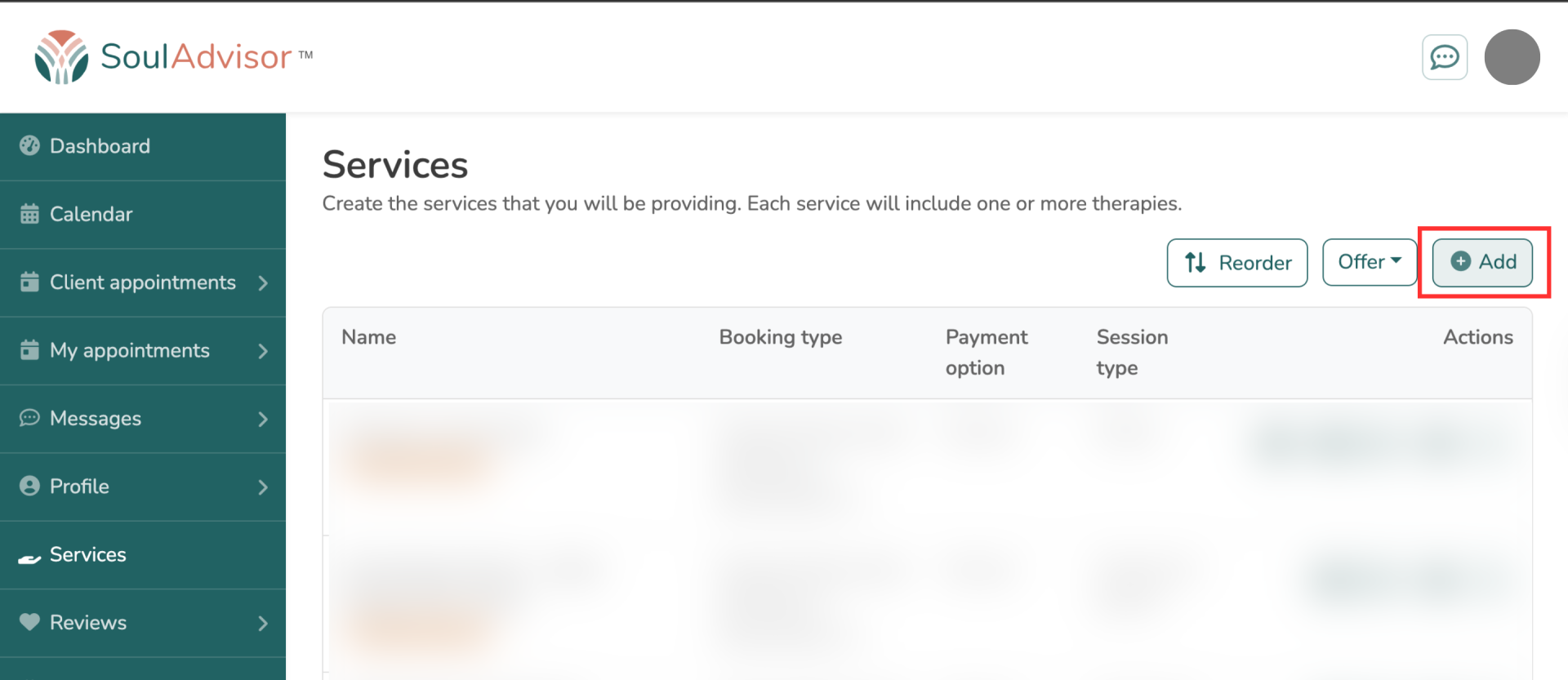
2. Locate the Services Section: On your dashboard, find and select the "Services" option. Then, click on the "Add" button.
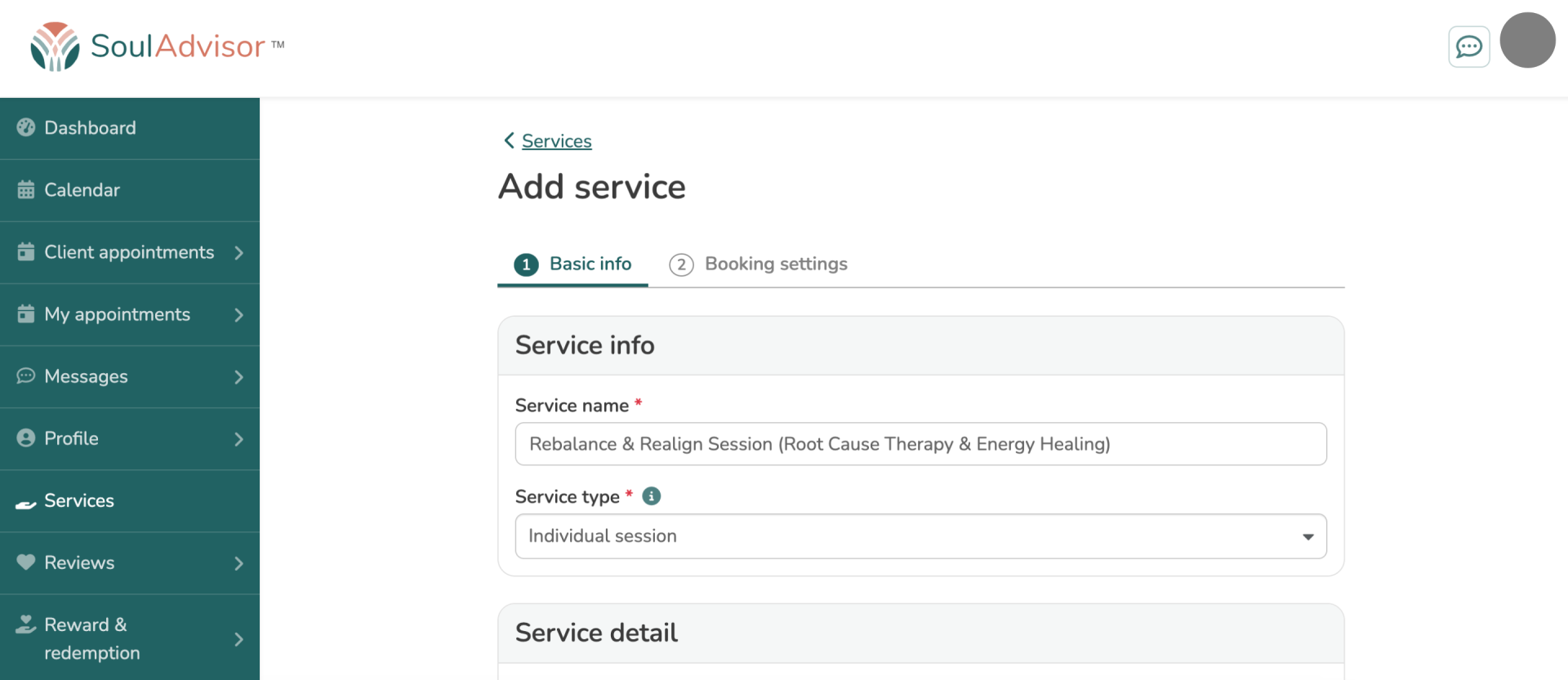
3. Provide Service Details: Fill in all the required information about your service. This includes details like service name, description, pricing, duration, and any specific booking settings.
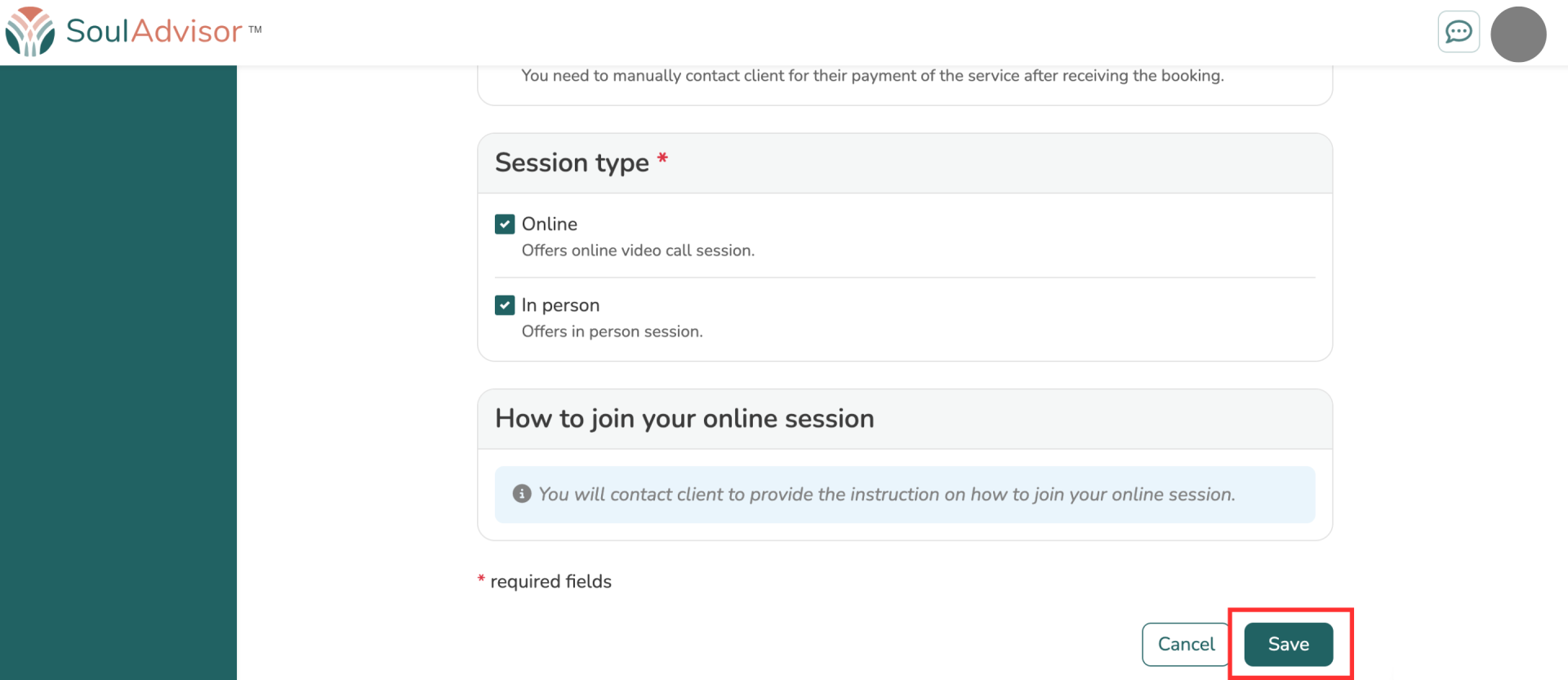
4. Save Your Service: Once you have completed all the necessary fields, click the "Save" button. Your new service will now be visible on your profile.